
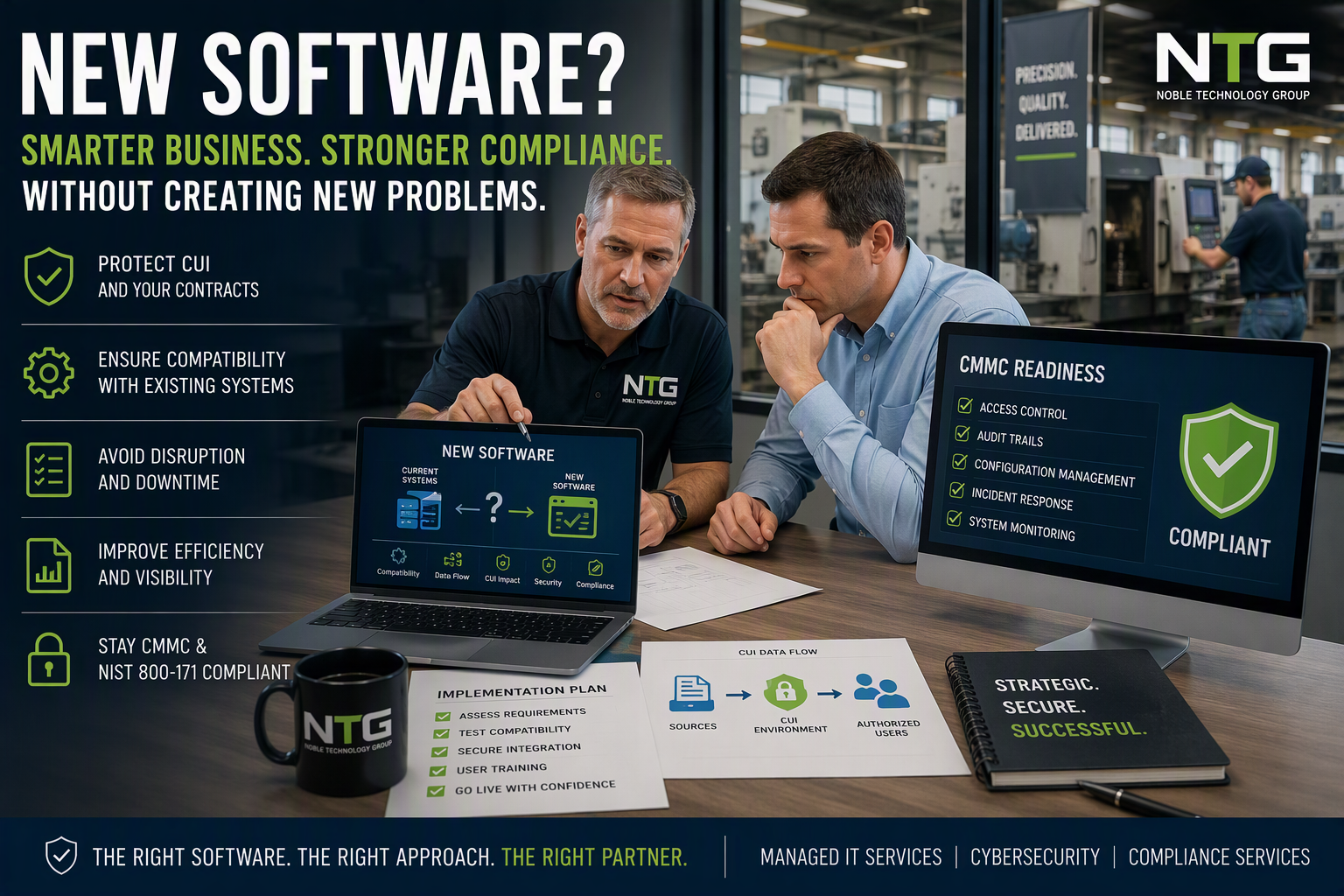
Before implementing new software, defense contractors should evaluate compatibility, CUI impact, cybersecurity requirements, and CMMC compliance implications.
CMMC Compliance and New Software: How to Modernize Your Business Without Creating New Problems
By Peter Noble, Founder & CEO, Noble Technology Group
Most business owners know when their systems are holding them back.
Reports take too long to generate.
Employees enter the same information three different times because "that's the way we've always done it."
The monthly spreadsheet has become so important that nobody knows who created it, what half the tabs do, or what happens if Karen decides to retire.
If that sounds familiar, you're not alone.
Eventually someone says:
"We need new software."
For most businesses, that's exciting.
For a defense contractor, it's often terrifying.
Because the question isn't:
"Will this software help?"
The real question is:
"Will it break something that already works?"
Every manufacturer seems to have at least one computer nobody wants to touch.
Nobody remembers who set it up.
The software vendor disappeared years ago.
The operating system looks old enough to vote.
And somehow, that machine still runs a critical process that keeps production moving.
If your company handles Controlled Unclassified Information (CUI) or is working toward CMMC compliance, those concerns are completely justified.
The good news?
You don't have to choose between improving your business and protecting your compliance posture.
The smartest contractors do both.
The Biggest Technology Mistake Defense Contractors Make
Most software vendors focus on features.
They show dashboards.
Automation.
Artificial intelligence.
Colorful charts.
Everyone nods.
Everyone gets excited.
Nobody asks the questions that matter.
Questions like:
- Will this work with our ERP?
- Will it affect our accounting system?
- Does it touch CUI?
- Does it change our compliance scope?
- What happens after the first software update?
- Who supports it when something breaks?
The software itself usually isn't the problem.
The problem is introducing change without understanding the consequences.
Don't start taking apart the machine until you understand what it actually does.
That advice applies to software too.
Better Software Should Make Compliance Easier
One misconception I hear regularly is:
"If we add new software, we're probably going to create a compliance problem."
Not necessarily.
In fact, the right software often makes compliance easier.
When properly evaluated and implemented, modern business technology can:
- Reduce manual data entry
- Improve reporting accuracy
- Create better audit trails
- Increase visibility
- Strengthen cybersecurity
- Improve accountability
- Simplify evidence collection
- Reduce human error
The right technology should support your compliance program. It should not become another compliance burden.
Good software creates fewer headaches, not more.
Don't Replace Software Just Because Someone Told You To
This advice alone can save companies thousands of dollars.
The newest software isn't automatically the best software.
If that were true, every machine shop in America would replace every CNC machine every time a glossy marketing brochure showed up in the mail.
Many contractors already have capable systems.
What they often need is:
- Better configuration
- Better documentation
- Better security controls
- Better integrations
- Better user training
Before buying anything, ask:
- What problem are we trying to solve?
- Can our current software solve it?
- If not, what capability is missing?
- What does success actually look like?
Those four questions alone eliminate a surprising number of unnecessary software purchases.
The Most Important Compliance Question
Will It Touch CUI?
This is where many defense contractors get nervous.
And honestly, they should.
A new application may affect:
- Where CUI is stored
- How CUI is transmitted
- Which users need access
- Which systems become in scope
- Which vendors receive access
- Which security controls become necessary
That doesn't mean every software purchase creates a compliance issue.
It simply means you need to understand the impact before deployment.
If the software doesn't need access to CUI, keep CUI out of it.
The smaller your protected environment remains, the easier it becomes to manage security, compliance, and audits.
Never Turn Your Production Floor Into a Test Lab
The most expensive sentence in technology is:
"Let's install it and see what happens."
That's not a deployment plan.
That's a science experiment.
Your production floor is not a test lab.
Your contract deadlines are not a beta test.
And your quality manager probably doesn't enjoy surprises nearly as much as software salespeople do.
Before implementing any significant software change:
- ✅ Verify compatibility
- ✅ Confirm integrations
- ✅ Test security controls
- ✅ Verify backups
- ✅ Train users
- ✅ Create a rollback plan
If you discover a problem during testing, that's actually good news.
You found the issue before it affected production, quality, contract deliverables, or compliance.
Always Have a Rollback Plan
One question I always ask before major software changes is:
"What Happens If We're Wrong?"
A backup is not a rollback plan.
A rollback plan answers:
- How do we restore the previous configuration?
- Who performs the rollback?
- How long will recovery take?
- What business systems could be affected?
- Have we tested recovery procedures?
Having a rollback plan doesn't mean you're expecting failure.
It means you're protecting the business.
Compliance Doesn't Mean Standing Still
Some companies become so worried about CMMC that they stop improving their business altogether.
That's a mistake.
The purpose of CMMC is to protect sensitive information.
It is not designed to prevent growth.
The most successful defense contractors continue looking for ways to:
- Improve efficiency
- Reduce administrative work
- Improve reporting
- Eliminate waste
- Strengthen cybersecurity
- Increase visibility
- Support growth
Compliance should enable smart business decisions, not prevent them.
The companies that thrive over the next decade won't be the ones that avoid change.
They'll be the ones that manage change intelligently.
Before You Buy Any New Software, Use This Checklist
Business Review
- What problem are we solving?
- Will employees actually use the solution?
- Can our current tools accomplish the goal?
Technical Review
- Does it integrate with existing systems?
- Have we verified compatibility?
- What happens if it fails?
Compliance Review
- Does it touch CUI?
- Does it affect our CMMC scope?
- Will documentation need updating?
Risk Review
- Have we tested it?
- Do we have a rollback plan?
- Who owns the implementation?
If you can't answer those questions yet, don't sign the contract.
A few days of planning can prevent months of frustration.
Technology Should Help You Sleep Better
The best technology decisions don't create more complexity.
They remove it.
They reduce risk.
They improve visibility.
They make your employees more productive.
Most importantly, they help you feel confident that your business is moving in the right direction.
At Noble Technology Group, we help DoD contractors, aerospace suppliers, ship-repair companies, and manufacturers evaluate technology before it creates operational or compliance problems.
Sometimes we confirm the software is a great fit.
Sometimes we identify a less expensive alternative.
And occasionally, we help clients avoid a very expensive science experiment.
Considering New Software? Let's Talk Before You Sign the Contract.
Before you spend a dollar, we'll help you answer the questions that matter most:
- Will it affect CMMC compliance?
- Will it expand your CUI scope?
- Will it work with existing systems?
- Will it create cybersecurity gaps?
- Is there a simpler or less expensive option?
A one-hour conversation today could save you months of downtime, rework, compliance challenges, and unnecessary expenses.
Schedule Your CMMC & Technology Impact Review
No pressure. No sales pitch. Just practical advice from a team that works with defense contractors every day.
Because the goal isn't to buy more software.
It's to keep your business running, keep your contracts secure, and avoid becoming the person who accidentally unplugged the one computer nobody was supposed to touch.